🐞 Errors Are Not the Enemy
A Mature Way to Deal with Bugs While Coding
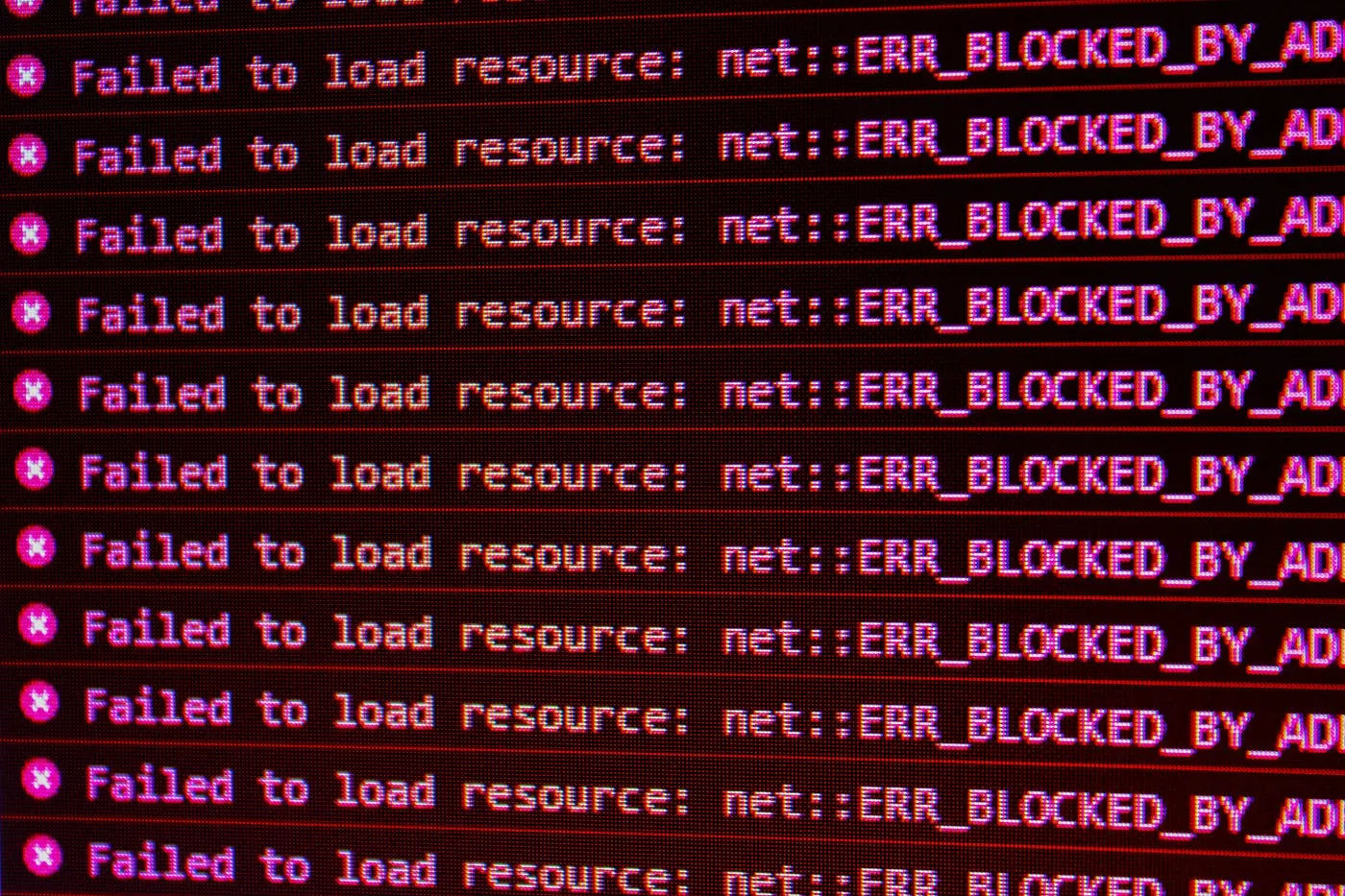
You’ve definitely been here before.
You’re coding.
Everything feels right.
Coffee’s ready. Music’s playing. Flow is locked in.
Then suddenly… red screen.
Long messages. Aggressive.
And without realizing it, your brain just shuts down.
I get it.
But after years of coding, I’ve learned one thing:
Most of the time, we’re not stuck because the error is hard.
We’re stuck because we panic and refuse to read.
Because the truth is—
error messages are actually human language.
🤯 The Real Problem Programmers Face When Errors Appear
It’s not lack of intelligence.
Not lack of tools.
Not because the tech stack is too complex.
The real problem is simple:
You get scared before you understand.
The moment an error appears:
-
you scroll straight to the bottom
-
you open Google immediately
-
or worse… you ask AI right away
Without actually listening to what the system is trying to tell you.
🔍 How I Personally Deal with Errors (Step by Step)
This isn’t theory.
This is a habit built through countless bugs.
1️⃣ Read the Error from the Source
If it’s a backend error:
-
open the application logs
-
read from the top
-
look for the most relevant message
Usually it clearly tells you:
-
which file
-
which line
-
which variable caused the crash
If it’s a frontend error:
-
open Inspect
-
go to the Console
-
pay attention to the stack trace
The console is honest.
No drama. No exaggeration.
We’re just often too impatient.
2️⃣ Understand the Flow Before Searching for a Solution
I always start with:
-
the main file
-
then trace my way to the file mentioned in the error
Pay attention to:
-
where the data comes from
-
where it’s processed
-
what assumptions you made
Most errors happen because:
-
the data is actually
null -
the data type is wrong
-
or your logic was overly confident
3️⃣ Print Debug Like a Detective
This is the most underrated but most powerful tool.
I often use:
-
console.log -
console.debug -
or raw payload prints
Not for show.
But to see reality, not assumptions.
Most bugs exist because:
-
data never arrived
-
data changed midway
-
or the format wasn’t what you expected
4️⃣ Google with Your Brain, Not Your Emotions
Googling is a skill.
Not:
“why is this error happening?”
But:
part of the error message + the technology you’re using
Example:
fetch failed nodejs 500 error
Trust me:
-
almost every error has already happened to someone else
-
you just need the right keywords
5️⃣ Use AI Only After You Have Context
AI is powerful, but it’s not a replacement for thinking.
I only ask AI after I:
-
understand the error
-
know which file is affected
-
suspect which variable is problematic
With clear context, AI can:
-
zoom into the issue
-
suggest alternative solutions
-
confirm your assumptions
Without context? You’ll only get generic answers.
🧠 The Mindset You Need to Change
Don’t rush to:
-
give up
-
copy-paste blindly
-
or blame the framework
Instead:
-
pause for a moment
-
take a breath
-
read the error slowly
Because the server isn’t angry.
It’s just being honest.
🧾 Conclusion
Errors that look complicated are often simple.
As long as you’re willing to:
-
read from the source
-
trace the flow
-
debug consciously
-
and ask for help after thinking
Coding isn’t about being error-free.
It’s about being mature when errors show up.
And trust me—
the more you listen to errors,
the better engineer you become.