🚀 Is Your AI Agent Still Basic?
Time to Upgrade with "Skills" to Escape the Boring AI Aesthetic!
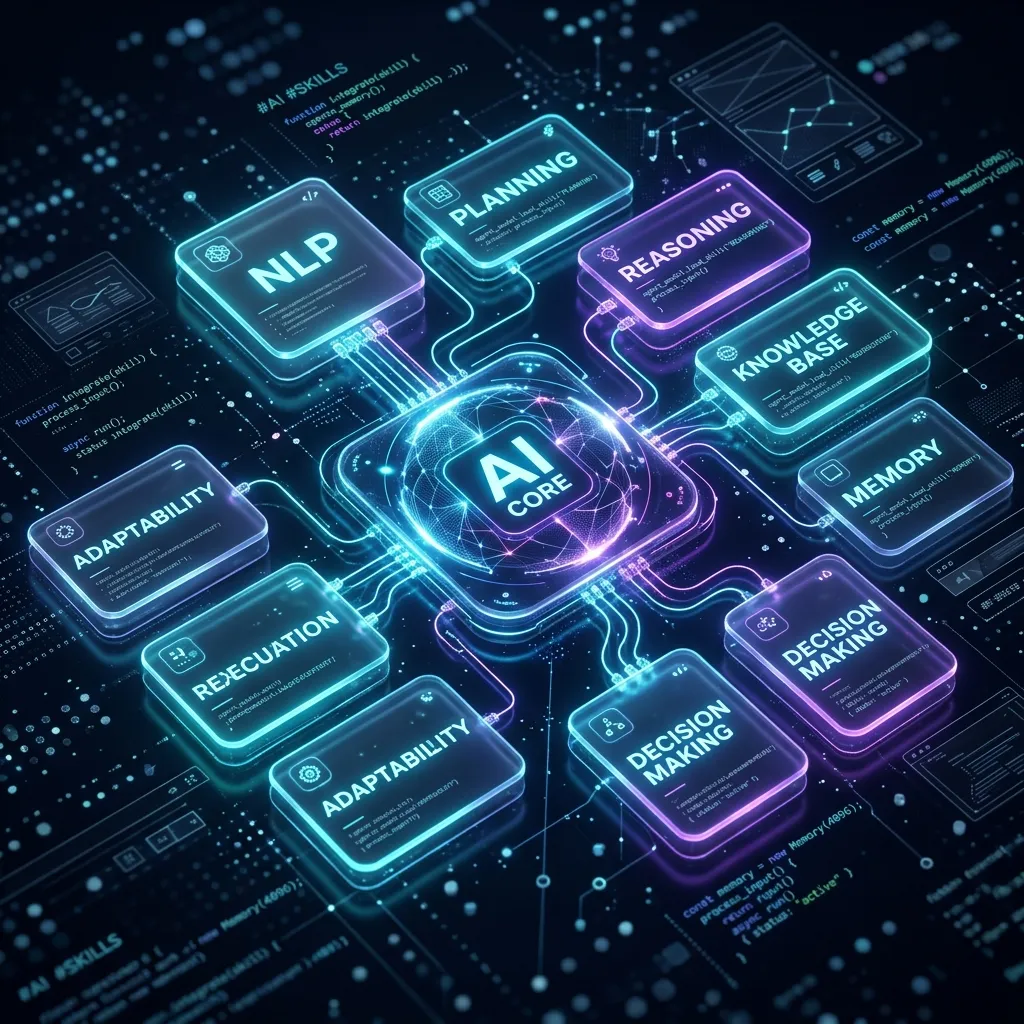
To be completely honest with you, have you ever felt that your AI Agent's coding outputs are... incredibly boring?
Sure, they're functional. The application runs without errors. But when you look at the interface? Ugh, it’s just so stiff. The red is a generic, uninspiring hex code, the layout looks like a legacy template from a decade ago, the buttons are flat boxes without hover effects, and it practically screams "generated by AI in one click."
As developers with high standards, it’s frustrating. We want to build premium products—the kind of apps that make users go "wow" the second they load. But if we have to write a novel-length prompt every single time just to explain glassmorphism, HSL gradients, and micro-animations, it gets exhausting real fast.
A few days ago, I stumbled upon a complete game-changer that entirely redefined how I collaborate with my AI Agent.
That concept is called: Skills.
🧠 What are "Skills" in the AI Agent World?
Think of your AI Agent as a brilliant, high-IQ junior software engineer. They know the syntax of every programming language, but they lack specific real-world experience regarding high-end design standards or tailored, industry-grade workflows.
Skills are structured directories of instructions, best practices, checklists, and helper scripts that we can plug directly into the AI Agent's cognitive engine.
So, instead of feeding the AI massive instructions through a prompt every single time we chat, we simply install a specialized Skill folder into its system. The AI Agent instantly gains a permanent new "superpower" and naturally applies it to every line of code it writes for us.
And this week, I just plugged in two phenomenal skills that sent my productivity and quality levels through the roof!
🛠️ The Two New Superpowers I Installed
These two skills have complementary focuses. One brings stunning visual elegance (the body), while the other drives robust productivity and razor-sharp engineering logic (the brain).
1. 🎨 UI/UX Pro Max Skill (Ending the Stiff AI Aesthetics)
This is the ultimate lifesaver for my web designs! Developed by nextlevelbuilder, this skill is specifically crafted to teach AI Agents how to produce world-class UI/UX layouts automatically.
-
GitHub Repository: nextlevelbuilder/ui-ux-pro-max-skill
-
What changed? Once this skill was installed, my AI Agent stopped using dull, generic colors. It now automatically curates gorgeous HSL color palettes, designs with smooth gradients, elegant glassmorphism panels, interactive micro-animations on hover, and modern typography using Google Fonts (like Inter or Outfit).
The result? Every single UI component it creates feels premium, alive, and polished by a professional designer rather than a generic template.
2. ⚡ Universal AI Agent Skills by Addy Osmani (Productivity Booster)
If you're into web performance, Addy Osmani needs no introduction. He released a collection of universal agent skills designed to multiply your AI coding assistant’s productivity.
-
GitHub Repository: addyosmani/agent-skills
-
What changed? This skill focuses on advanced software engineering workflows. It teaches the AI Agent how to perform deep codebase searches, practice context engineering (keeping the AI's memory sharp and relevant), execute systematic root-cause debugging, and automate git workflows.
With this skill, my AI Agent isn't just faster—it is far more independent. It autonomously drafts implementation plans (implementation_plan.md) and task tracking lists (task.md) to map out its workflow before writing a single line of code.
🤝 Why the "Modular Skills" Philosophy is a Huge Deal
In my opinion, the era of using one giant, all-knowing LLM trying to do everything is shifting. The future of agentic coding lies in modularity.
- Token & Context Efficiency: We don't need to bloat our chat prompts with endless manual instructions. The AI Agent reads the relevant Skill files only when they are actually needed.
- Infinite Customization: Building a premium frontend today? Plug in the UI/UX skill. Deploying a secure backend architecture tomorrow? Plug in a dedicated security and hardening skill. We get to curate our own custom AI dream team.
- Consistently High Quality: Because the guidelines are clearly documented in structured markdown (usually in a
SKILL.mdfile), the AI Agent has a robust framework that minimizes hallucinations and sloppy code.
🌱 Final Thoughts: Time to Level Up!
Plugging skills into my AI Agent felt like the moment Iron Man loaded a brand-new Arc Reactor into his suit. Everything runs smoother, faster, and the visual output is a pure joy to look at.
Now it's your turn! Stop letting your AI Agent build with boring, default factory settings. Leverage wonderful community repositories like UI/UX Pro Max and Addy Osmani's Agent Skills to elevate your development game.
What do you think? Have you tried equipping your AI Agent with custom skills, or are you interested in designing your own? Let me know your thoughts in the comments! See you in the next post! 🚀