UMKM Product List MVP
Fullstack web application for managing UMKM products with image upload using Next.js and Express.js
Share this project:
Project Overview
UMKM Product List MVP
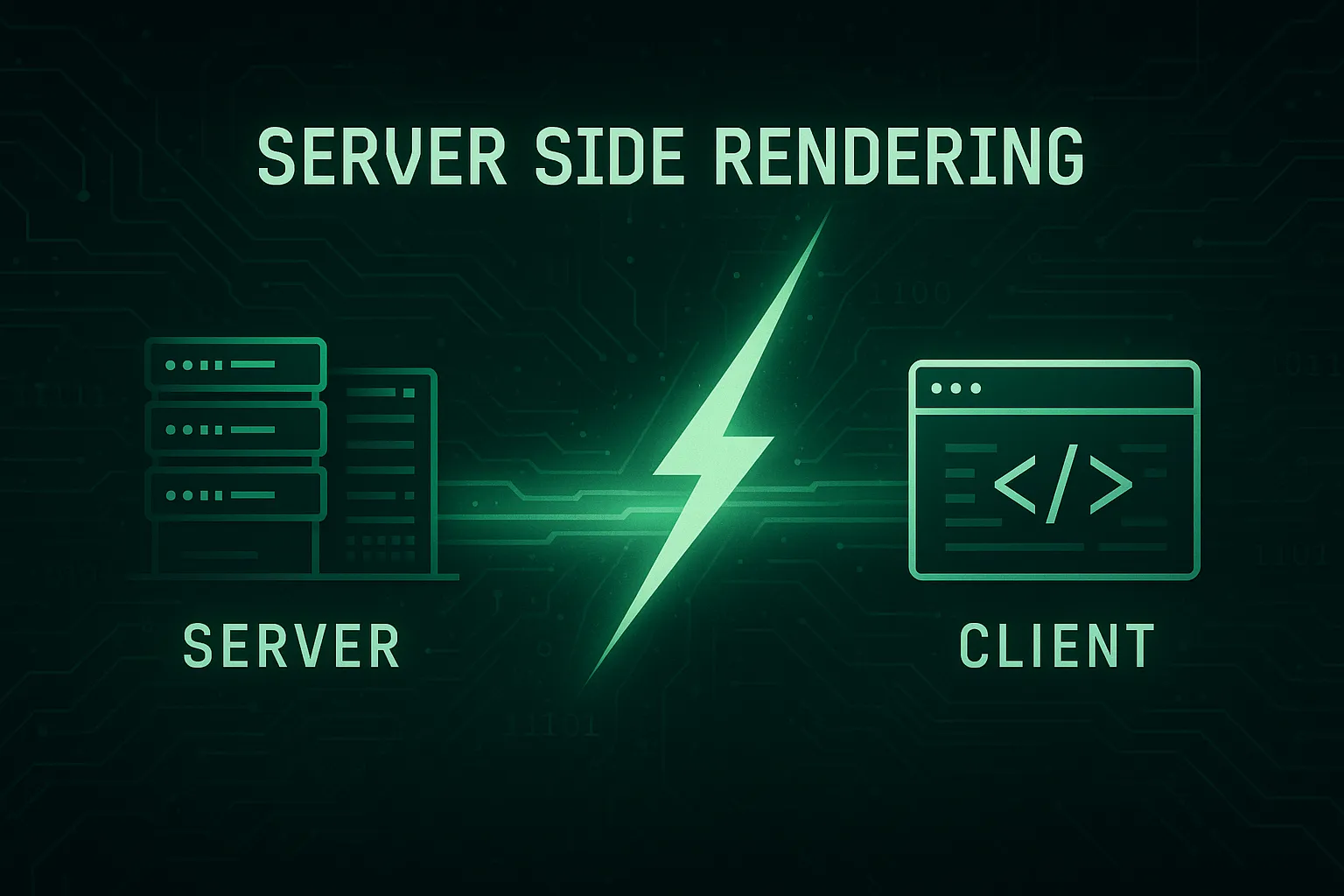
A fullstack web application designed for managing Small Medium Enterprise (UMKM) products with comprehensive image upload capabilities, built using modern web technologies including Next.js for the frontend and Express.js for the backend API.
📋 Overview
This is a learning project that demonstrates a complete fullstack monorepo structure for building a product management system. The application allows UMKM businesses to maintain their product catalog with images stored in Supabase, providing a real-world example of server-side rendering and API integration.
✨ Features
-
Product Management
- View complete product listings with images
- Add new products with image upload
- Delete existing products
- Real-time data updates
-
Modern UI/UX
- Responsive design with Tailwind CSS
- Fast page loads with Next.js SSR
- Smooth user interactions
-
Image Handling
- Upload product images via Supabase Storage
- Automatic image optimization
- Secure image URLs
🏗️ Project Structure
Learn-Server-Side-Rendering/
├── apps/
│   ├── api/                    # Backend Express.js API
│   │   ├── src/
│   │   ├── package.json
│   │   └── .env
│   └── web/                    # Frontend Next.js Application
│       ├── app/
│       ├── components/
│       ├── public/
│       ├── package.json
│       └── .env.local
└── package.json                # Root workspace config
🛠️ Tech Stack
Backend (API)
- Express.js 5.1.0 - Fast, unopinionated web framework
- Supabase - Database and file storage solution
- Multer 2.0.2 - Multipart form data handling for file uploads
- CORS - Cross-origin resource sharing
- dotenv - Environment variable management
Frontend (Web)
- Next.js 15.4.6 - React framework with SSR capabilities
- React 19.1.0 - UI library
- Tailwind CSS - Utility-first CSS framework
- Geist Font - Modern typography
- Axios - HTTP client for API requests
🚀 Getting Started
Prerequisites
- Node.js (v18 or higher)
- npm or Yarn package manager
- Supabase account (free tier available at supabase.com)
Supabase Setup
- Create a new project in Supabase
- Create a storage bucket named
products - Set bucket to public access
- Get your Supabase URL and Service Role Key from project settings
API Setup
-
Navigate to API directory
cd apps/api -
Install dependencies
npm install -
Create environment file Create a
.envfile with the following:PORT=4000 SUPABASE_URL=your_supabase_project_url SUPABASE_SERVICE_ROLE_KEY=your_supabase_service_role_key SUPABASE_BUCKET=products CORS_ORIGIN=http://localhost:3000 -
Start the API server
npm run devAPI will be running at
http://localhost:4000
Web Application Setup
-
Navigate to web directory
cd apps/web -
Install dependencies
npm install -
Create environment file Create a
.env.localfile:NEXT_PUBLIC_API_URL=http://localhost:4000 -
Start the development server
npm run dev -
Access the application Open http://localhost:3000 in your browser
📡 API Endpoints
| Method | Endpoint | Description |
|---|---|---|
| GET | /api/products |
Retrieve all products |
| POST | /api/products |
Create a new product |
| PUT | /api/products/:id |
Update existing product |
| DELETE | /api/products/:id |
Delete a product |
| POST | /api/upload |
Upload product image |
💻 Usage
-
View Products
- Homepage displays all products in a grid layout
- Each product shows image, name, and description
-
Add New Product
- Click "Add Product" button
- Fill in product details (name, description, price)
- Upload product image
- Submit form to create product
-
Delete Product
- Click delete button on product card
- Confirm deletion
- Product and associated image will be removed
🔧 Environment Variables
API (.env)
PORT- API server port (default: 4000)SUPABASE_URL- Your Supabase project URLSUPABASE_SERVICE_ROLE_KEY- Supabase service role key for admin operationsSUPABASE_BUCKET- Storage bucket name for product imagesCORS_ORIGIN- Allowed CORS origin (frontend URL)
Web (.env.local)
NEXT_PUBLIC_API_URL- Backend API URL (default: http://localhost:4000)
🎓 Learning Objectives
This project teaches:
- Monorepo structure and management
- Server-side rendering with Next.js
- RESTful API development with Express.js
- File upload handling with Multer
- Cloud storage integration with Supabase
- Modern React patterns and hooks
- Tailwind CSS styling
- Environment-based configuration
🤝 Contributing
- Fork the repository
- Create a feature branch (
git checkout -b feature/AmazingFeature) - Commit your changes (
git commit -m 'Add some AmazingFeature') - Push to the branch (
git push origin feature/AmazingFeature) - Open a Pull Request
📄 License
This project is open source and available for educational purposes.