Hotel Hebat Reservation System
Hotel reservation web application with real-time room availability, email notifications, and comprehensive booking management
Share this project:
Project Overview
Hotel Hebat Reservation System
A comprehensive hotel room reservation web application built with Laravel 9, featuring real-time room availability tracking, automated email notifications, and a complete booking management system for both customers and hotel staff.
📋 Overview
Hotel Hebat is a modern web-based hotel reservation system designed to streamline the booking process for both guests and hotel staff. In today's digital era, hotel reservations become much easier through dedicated web applications that handle bookings for specific dates with real-time room availability.
This application provides Hotel Hebat with an efficient and user-friendly platform for managing room reservations, ensuring smoother operations and better customer experience.
🎯 Problem Statement & Challenges
The Hotel Hebat reservation system was developed to simplify the room booking process for both consumers and hotel staff. This application aims to make future reservations more efficient and streamlined. However, several challenges were encountered during development:
Challenges Faced
- User Research & Requirements Gathering: Conducting thorough research and interviews to understand application requirements
- Complex Room Availability Logic: Implementing room availability checking with multiple booking scenarios
- Email Notification System: Creating automated email notifications for all booking statuses (pending, check-in, check-out, and cancellation)
Solutions Implemented
- Targeted Stakeholder Interviews: Identified and interviewed key stakeholders to ensure the application stays focused and receives correct input
- Custom Development & Research: Conducted extensive research and developed custom solutions for room availability features
- Email Integration: Implemented email functionality using Laravel 9's built-in features, supplemented with YouTube tutorials and framework documentation
✨ Key Features
For Administrators
- Complete CRUD operations for room types
- Manage room facilities and amenities
- Manage hotel facilities
- User and staff management
- System configuration and settings
For Receptionists
-
Booking Management Dashboard
- Filter reservations by check-in date and guest name
- Perform check-in for confirmed bookings
- Cancel bookings when necessary
-
Reservation Details View
- View and print reservation receipts
- Access complete booking information
-
Automated Check-out System
- Automatic status update to "checked-out" when the checkout date matches current date
- Triggered on page refresh for seamless transitions
For Guests/Customers
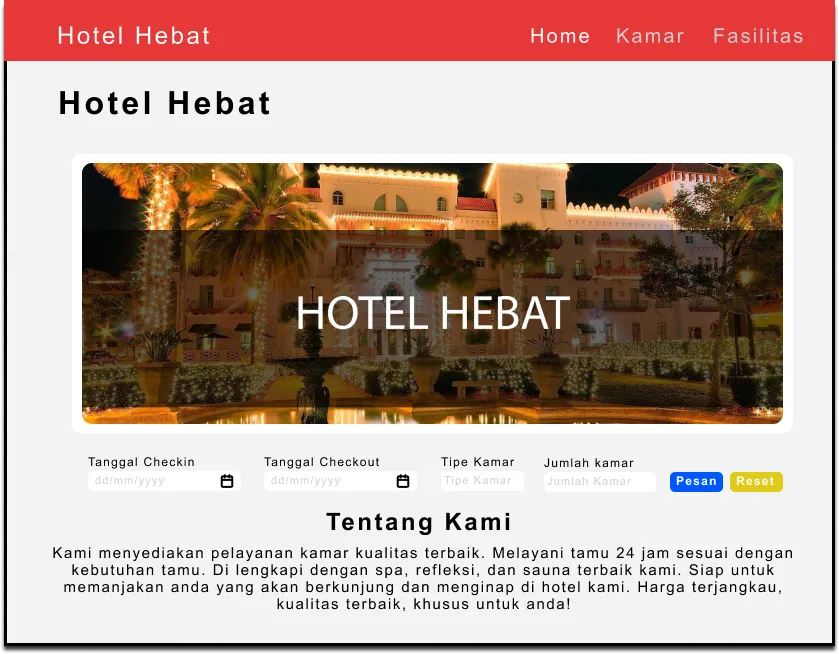
- Browse Hotel Information
- View homepage with hotel details
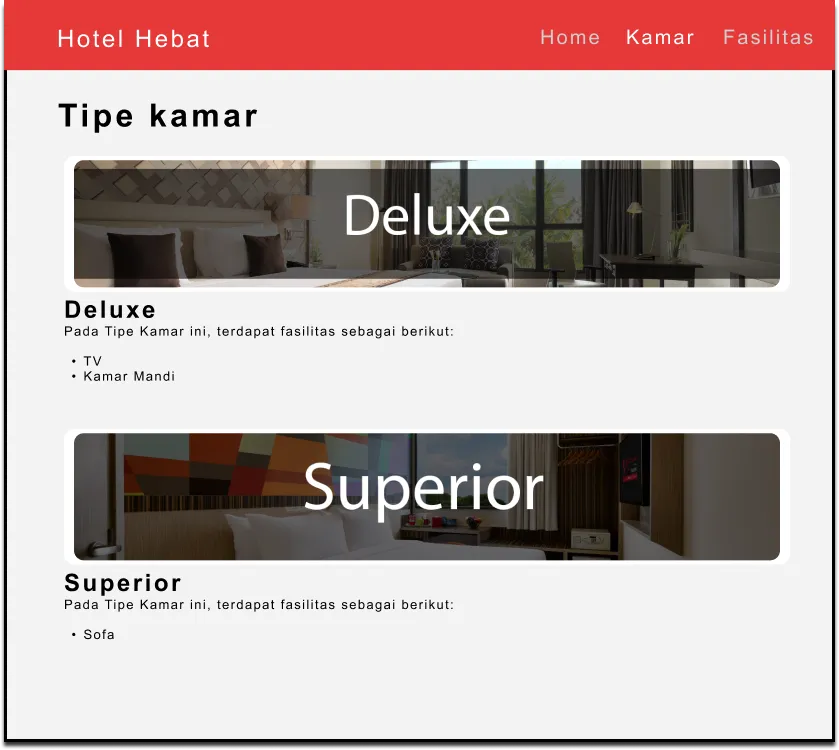
- Explore available room types and their facilities
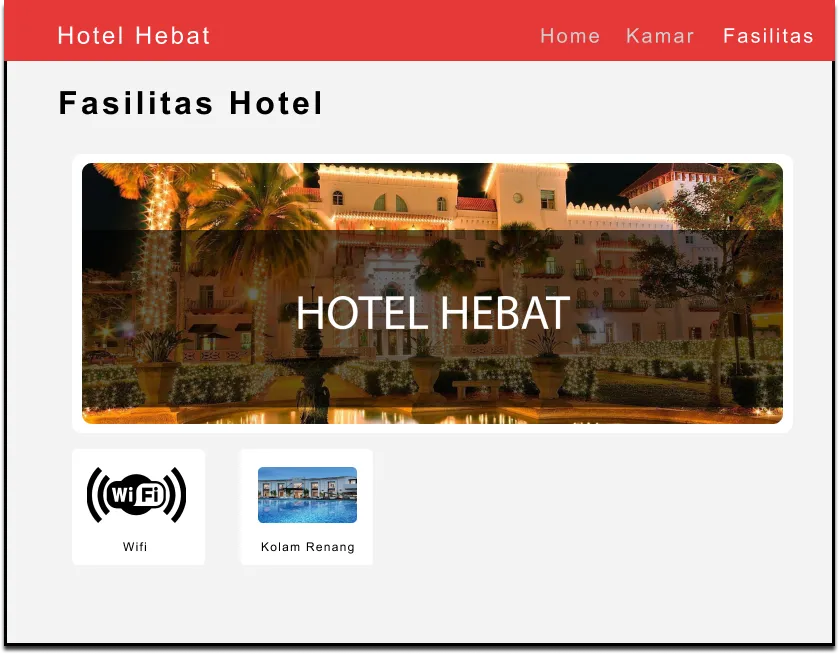
- Check hotel amenities and facilities
- Room Booking
- Easy-to-use booking interface
- Real-time room availability checking
- Instant booking confirmation
- Email Notifications
- Receive booking confirmation emails
- Get status update notifications
- Booking receipt via email
🛠️ Technologies Used
- Framework: Laravel 9
- Language: PHP 8.0
- Database: MySQL
- Frontend: Bootstrap, Blade Templates
- Email Service: Laravel Mail
- Server: Apache (via XAMPP)
- Tools: Composer, Webpack Mix
📁 Project Structure
Hotel-Hebat/
├── app/
│   ├── Http/Controllers/
│   ├── Models/
│   └── Mail/
├── database/
│   ├── migrations/
│   └── seeders/
├── resources/
│   ├── views/
│   └── assets/
├── routes/
├── public/
└── config/
🚀 Getting Started
Prerequisites
- Composer (latest version)
- Laravel 9 (with PHPMyAdmin port changed to 8080)
- XAMPP or similar local server
- PHP 8.0 or higher
Installation Steps
-
Clone and Setup
git clone <repository-url> cd Hotel-Hebat -
Configure Environment
- Rename
.env.exampleto.env - Create database named
hotel_hebatin PHPMyAdmin - Update
.envfile:
DB_DATABASE=hotel_hebat MAIL_USERNAME=your_email@example.com MAIL_PASSWORD=your_email_password - Rename
-
Install Dependencies
composer install npm install -
Setup Database
php artisan migrate:fresh --seed -
Create Storage Link
php artisan storage:link -
Run the Application
php artisan serve -
Access the Application
- Open browser and visit:
http://127.0.0.1:8000 - Admin login:
http://127.0.0.1:8000/login
- Open browser and visit:
💻 Usage Guide
Administrator Features
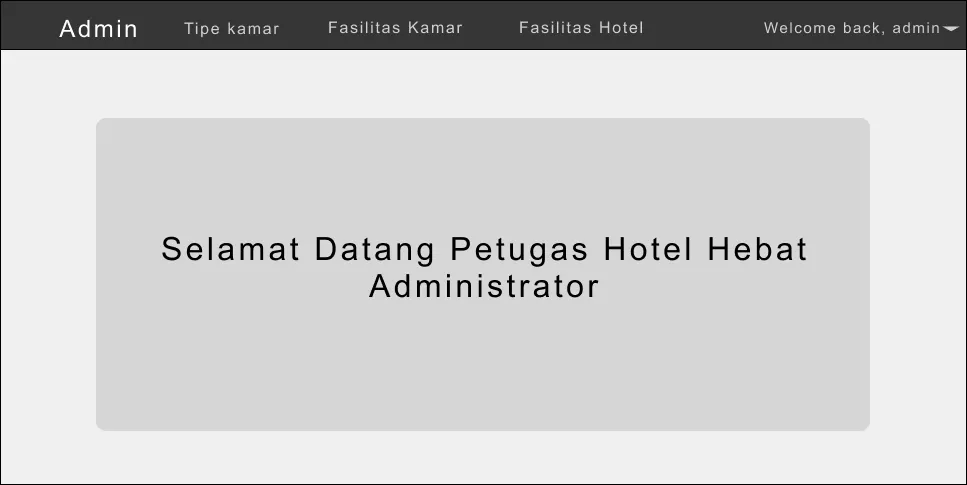
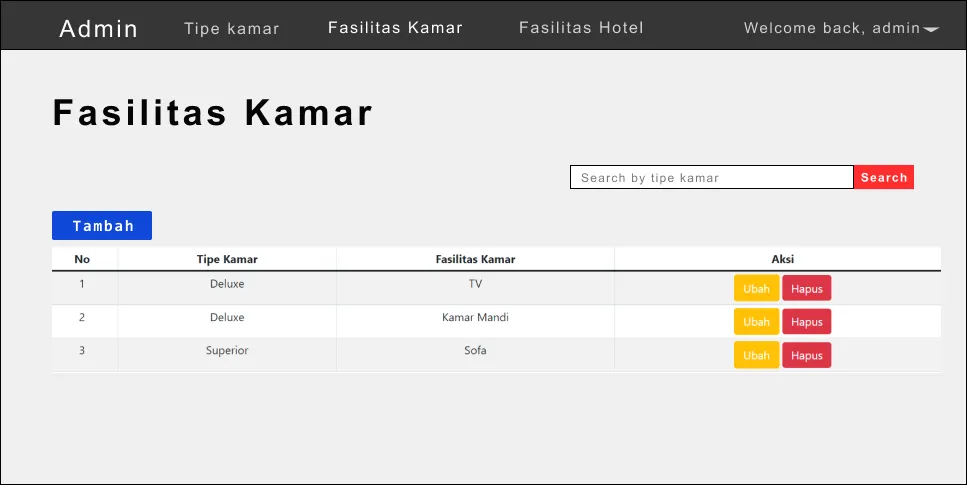
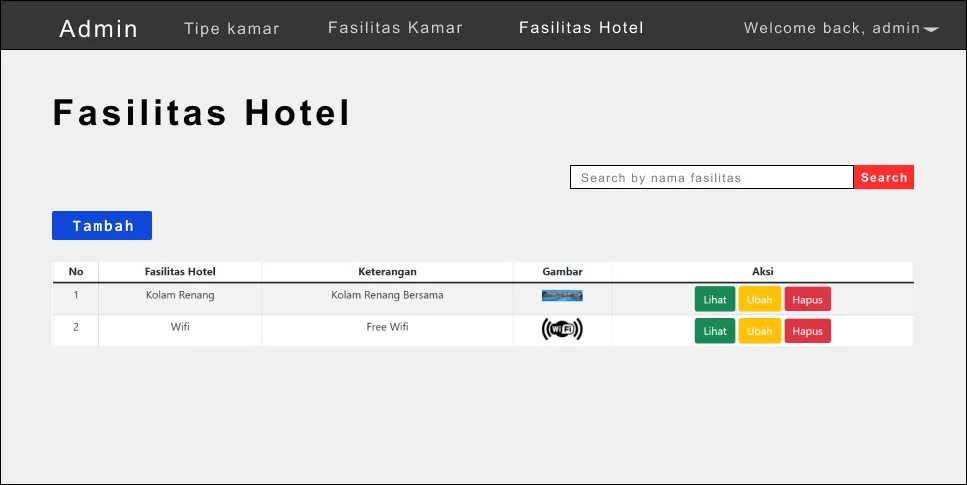
Administrators can manage:
-
Login Access
- Navigate to
http://127.0.0.1:8000/login
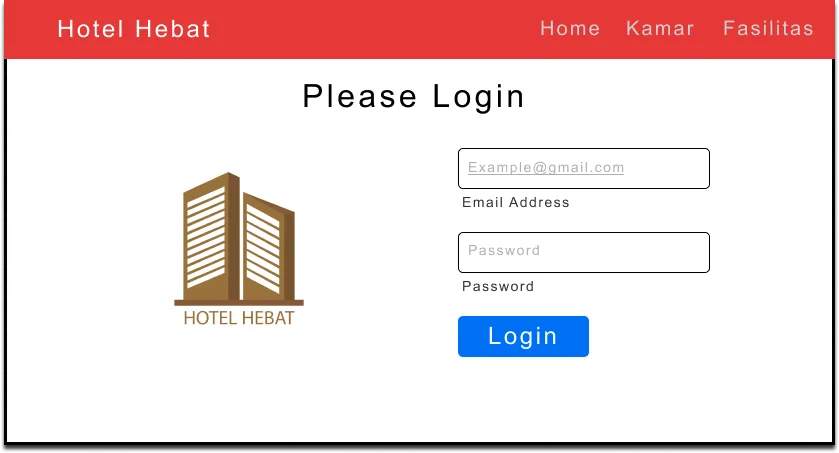
- Navigate to
-
Room Type Management (CRUD)
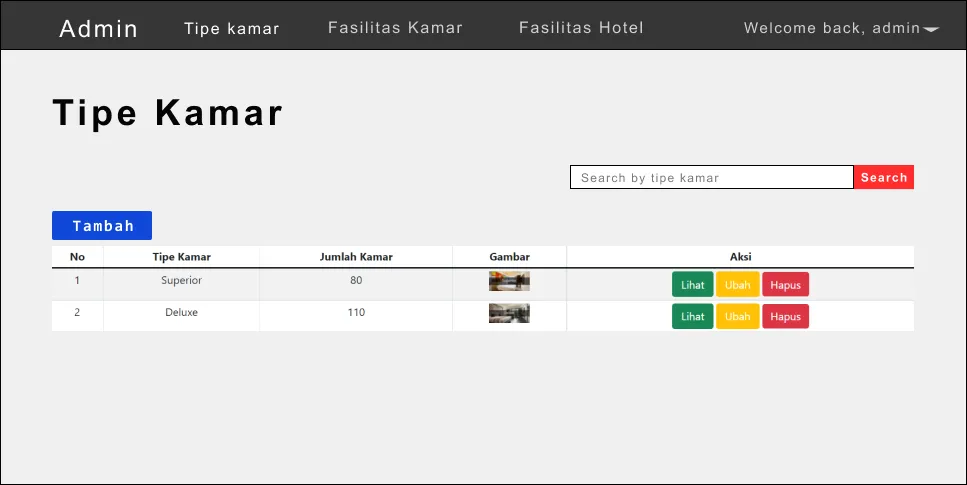
-
Room Facilities Management (CRUD)
-
Hotel Facilities Management (CRUD)
Receptionist Features
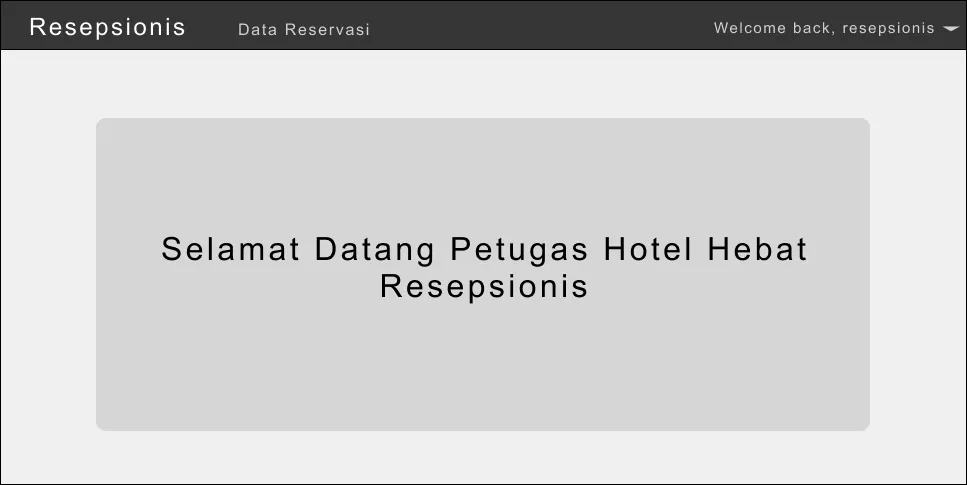
Receptionists can:
-
Access System
- Login via
http://127.0.0.1:8000/login
- Login via
-
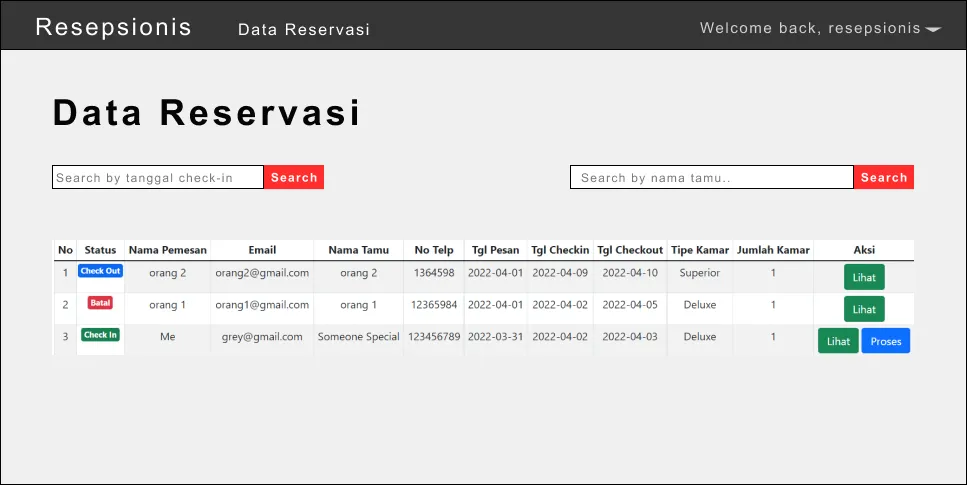
Manage Reservations
- Filter by check-in date and guest name
- Perform check-in for existing reservations
- Cancel bookings as needed
-
View Reservation Details
- Click "View" button to see reservation receipt
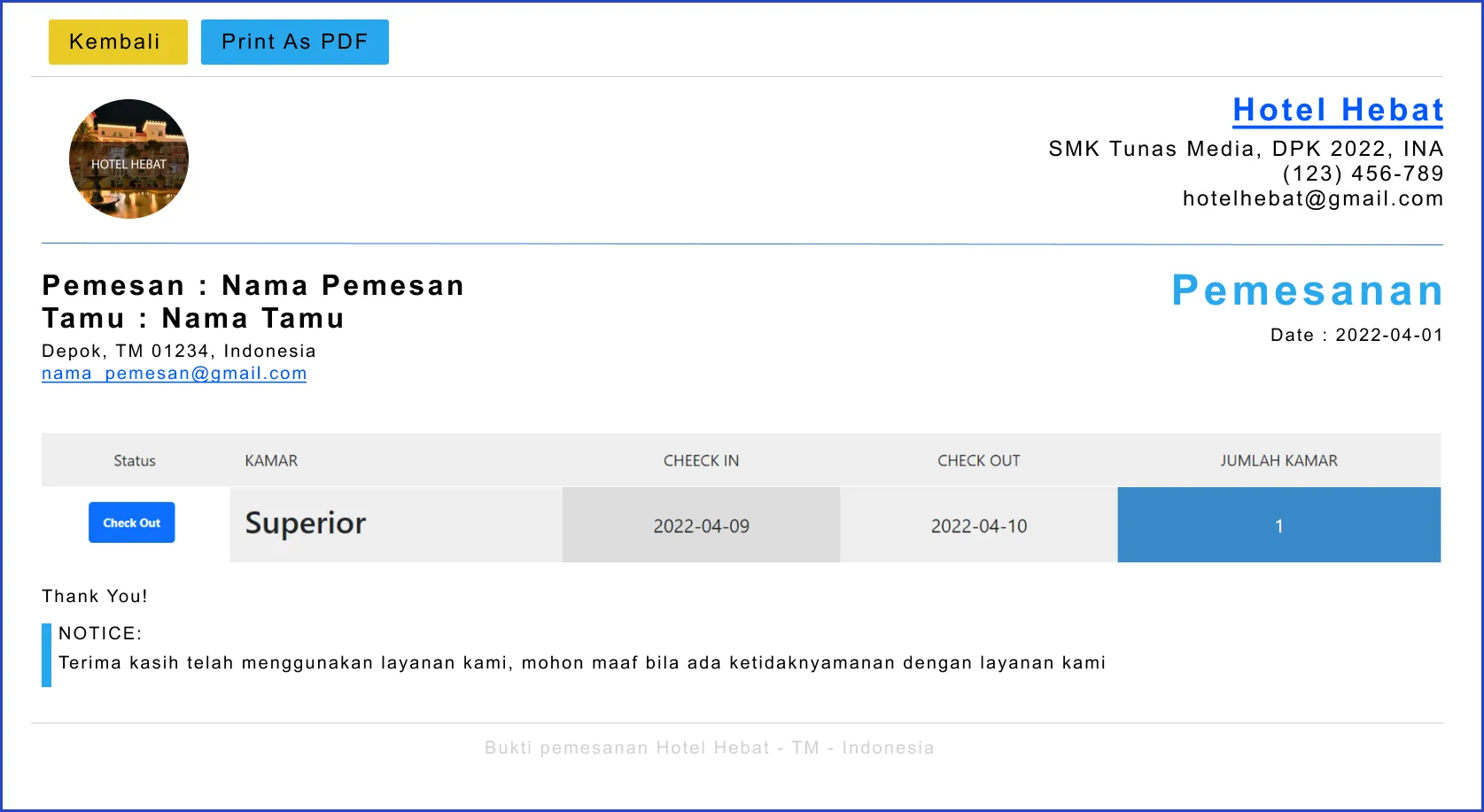
Note: Check-out management is automated. When the current date matches the checkout date, the reservation status automatically changes to "checked-out" upon page refresh.
Guest/Customer Features
For booking demonstrations, please check the portfolio!
Guests can:
-
View Homepage
-
Browse Room Types and Facilities
-
View Hotel Facilities
-
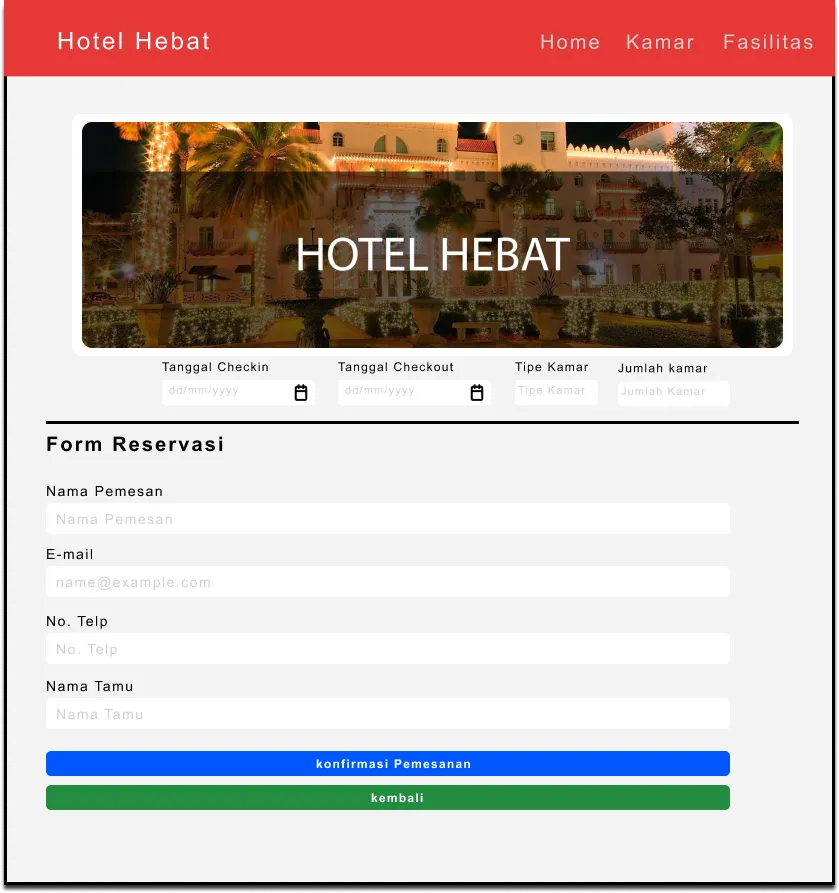
Make Room Reservations
📧 Email Notifications
The system automatically sends email notifications for:
- New booking confirmations
- Check-in notifications
- Check-out confirmations
- Booking cancellations
🤝 Contributing
This was developed as a final project for the Industry Certification Exam 2022. If you have suggestions or corrections, please feel free to reach out via the email provided in my portfolio.
📞 Contact
For questions, suggestions, or corrections, please contact me through the email address available in my portfolio.
Thank you! 🔥
Thank you for visiting this project. Hope you learned something valuable! ❤️
Arigatou. :)