Digital Clock C++
Simple digital clock application built with C++ that displays current time in HH:MM:SS format
Share this project:
Project Overview
Digital Clock C++
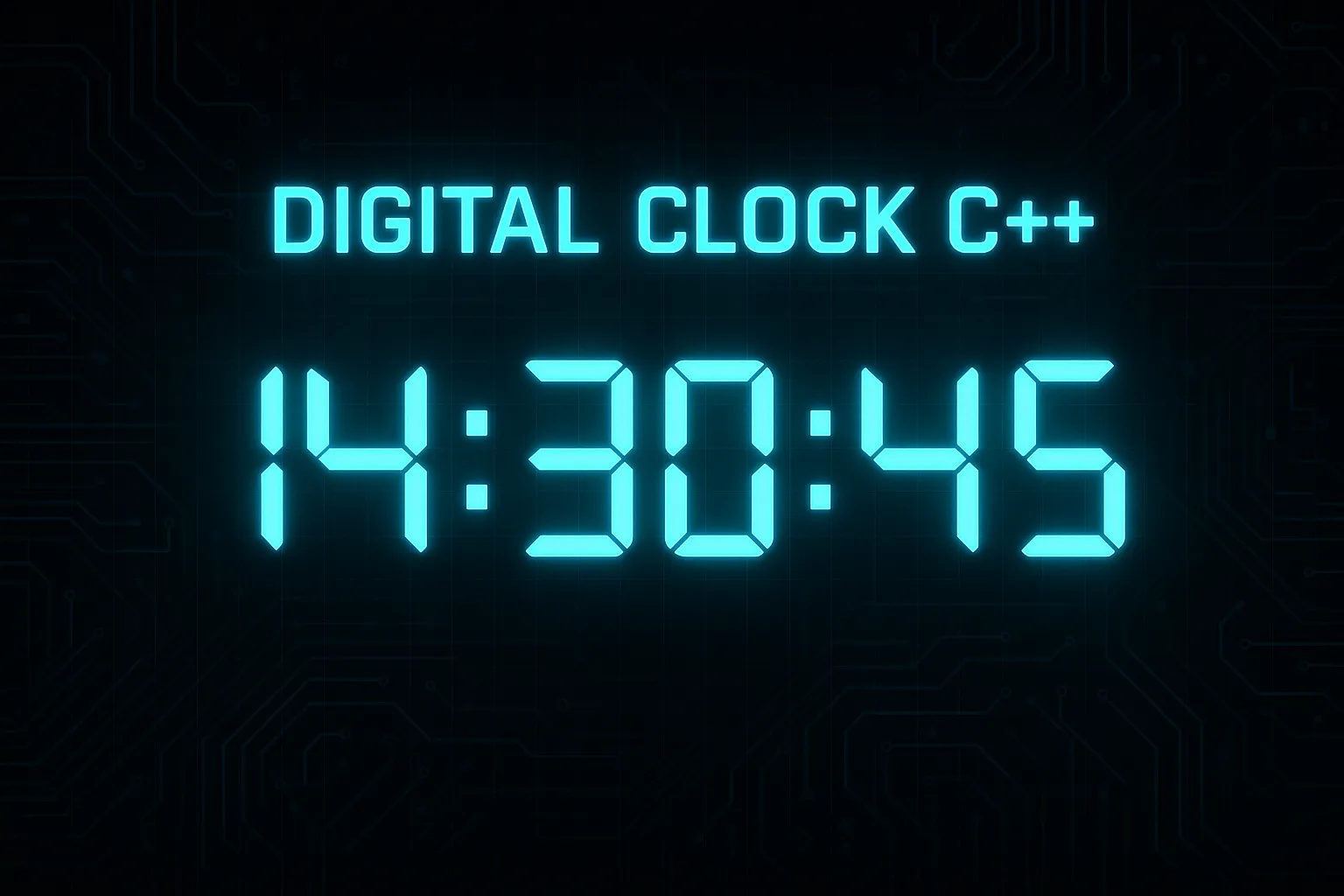
A simple yet functional digital clock application built using C++ during my high school learning journey. This console-based application displays the current time in HH:MM:SS format with real-time updates.
📋 Overview
This is a beginner-friendly digital clock project created while learning C++ in high school. It demonstrates fundamental C++ concepts including time handling, loops, and console output formatting. The application continuously displays the currently updated every second.
✨ Features
- Real-time Display: Shows current time in HH:MM:SS format
- Automatic Updates: Refreshes every second
- Console-based UI: Simple command-line interface
- Cross-platform: Works on Windows, Linux, and macOS with proper compilation
- Educational: Great for learning C++ basics
🛠️ Technologies Used
- C++: Core programming language
- Standard Library:
<iostream>,<ctime>,<thread> - Time Functions: For system time retrieval
##📁Project Structure
jam_digital_cpp/
├── src/
│   └── main.cpp          # Main source file
├── bin/
│   └── digital_clock      # Compiled executable
├── .gitignore
└── README.md
🚀 Getting Started
Prerequisites
- C++ compiler (GCC, Clang, or MSVC)
- Basic understanding of command line
Compilation
Using GCC (Linux/macOS):
g++ -o digital_clock src/main.cpp
Using GCC (Windows MinGW):
g++ -o digital_clock.exe src/main.cpp
Using Visual Studio (Windows):
- Open the project in Visual Studio
- Build → Build Solution (F7)
- Run → Start Without Debugging (Ctrl+F5)
Running the Application
Linux/macOS:
./digital_clock
Windows:
digital_clock.exe
Or double-click the executable file.
💻 Usage
- Run the program
- View the clock: The current time will display and update every second
- Exit: Press Ctrl+C to stop the program
Example output:
===================
DIGITAL CLOCK
===================
Current Time: 14:30:45
===================
🎓 Learning Concepts
This project demonstrates:
- Time Functions: Using
<ctime>library - Loops: While loops for continuous operation
- Threading (optional): For non-blocking updates
- String Formatting: Display formatting
- Console Clear: Clearing console for updates
📝 Code Example
Basic structure:
#include <iostream>
#include <ctime>
#include <chrono>
#include <thread>

int main() {
    while (true) {
        // Get current time
        time_t now = time(0);
        tm *ltm = localtime(&now);

        // Display time
        std::cout << "Time: "
                  << ltm->tm_hour << ":"
                  << ltm->tm_min << ":"
                  << ltm->tm_sec << std::endl;

        // Wait 1 second
        std::this_thread::sleep_for(std::chrono::seconds(1));
    }
    return 0;
}
🔧 Customization
You can enhance the clock with:
- 12-hour format: AM/PM display
- Date display: Show current date
- Timer functionality: Add countdown/stopwatch
- GUI version: Use libraries like Qt or wxWidgets
- Alarm feature: Set alarms
- Different colors: Terminal color codes
🐛 Troubleshooting
Clock not updating?
- Ensure you're using thread sleep correctly
- Check if console supports clear screen
Compilation errors?
- Ensure C++11 or later standard:
g++ -std=c++11 - Include proper headers
Time incorrect?
- Check system time settings
- Verify time zone configuration
🎯 Use Cases
- Learning C++ fundamentals
- Understanding time functions
- Practicing console applications
- Building foundational programming skills
🚀 Future Improvements
Potential enhancements:
- Add date display
- Implement 12/24 hour format toggle
- Add timezone selection
- Create graphical version
- Add alarm/timer features
- Add different clock faces
##🤝 Contributing
This is a learning project from my high school days. Feel free to fork and enhance it for your own learning!
📄 License
This project is open source and available for educational purposes.
💭 Personal Note
I built this during my high school years while learning C++. It's a simple project, but it taught me important fundamentals about time handling, loops, and console applications. Every expert was once a beginner!
Built while learning C++ in High School 🎓⏰